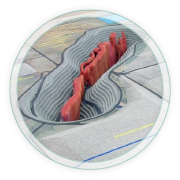

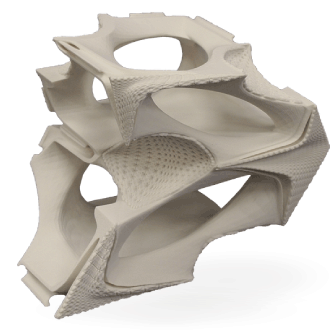
CADspan offers a one month trial with no credit card required! Create an account now and you will have full access to CADspan Pro, an online CAD "shrinkwrap" tool, or you can use the free SketchUp plugin.
Simply upload files from your CAD software, submit them for processing, and in a few minutes your solid 3D CAD file is ready to review.

Why You Should Make CADspan
Your STL Processing Solution
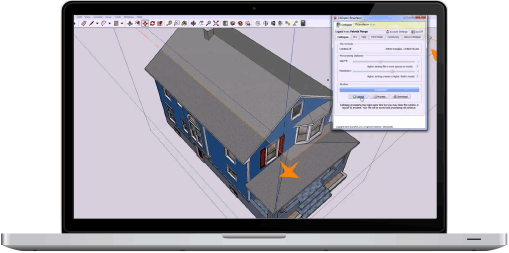
The CADspan plugin for SketchUp harnesses the power of the online CADspan engine and adds additional tools to aid the production of 3D printable files from SketchUp.
3D printing from SketchUp is possible with the CADspan plugin STL importer, STL exporter, CAD resurfacer and 3D print tollerance tools.
Get The CADspan plugin for SketchUp for free now!

2D to 3D or 3D to print ready, don't be frustrated. Professional 3D file preparation is available with fast, efficient turnaround.
LGM has been professionally 3D printing since 2000. We can translate your idea into a printable STL, or we can take your 3D file and prepare it for successful 3D printing. Get a free quote while you try out CADspan.
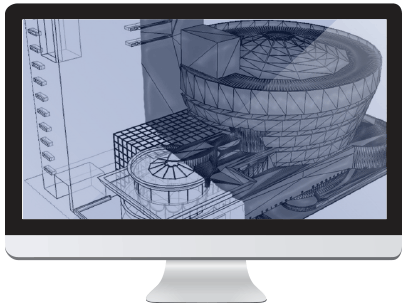

Whether you need additional capacity for a large model, color 3P printing, large format 3D printing, faster turnaround or commercial quality 3D printing, LGM can fill your needs.
Submit whatever files you have. Let us know what you need and when you need it.